Apple’s Budget MacBook Neo Brings Welcome Repairability Improvements
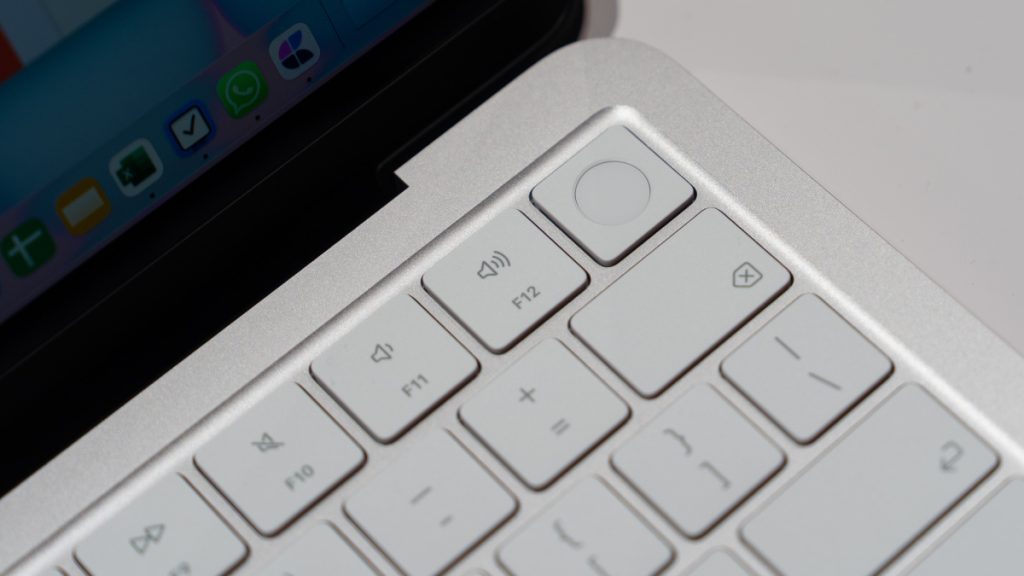
In the past, MacBook computers offered users significant flexibility for maintenance and upgrades. When system performance lagged due to heavy usage, owners could simply increase the RAM capacity. Running low on storage meant installing a bigger hard drive, and worn-out batteries were straightforward to swap out. However, as Apple and other manufacturers pursued increasingly slim and elegant form factors, laptops became progressively more difficult to service. The industry trend toward soldering components directly to motherboards enabled ultra-thin designs but eliminated upgrade possibilities and made repairs extremely challenging.
The transition to Apple’s custom silicon hasn’t substantially altered this trajectory. Despite offering impressive longevity and excellent value, contemporary MacBooks remain notoriously difficult to repair. The M5 MacBook Pro exemplifies this issue: repair analysis revealed that Apple’s official procedure requires complete component removal just to access and replace the battery.
Budget MacBook Delivers Unexpected Repair-Friendly Design
However, encouraging developments have emerged from an unexpected source: Apple’s new budget-oriented MacBook Neo. This affordable laptop has generated considerable excitement since its launch, primarily due to its accessible $599 starting price point, which drops to $499 for educational customers. While this competitive pricing makes the Neo attractive for students, families, and cost-conscious consumers, many assumed Apple would treat it as a disposable product with minimal investment in long-term durability.
Surprisingly, Apple has implemented several design choices that prioritize repairability. Beyond using premium materials like aluminum instead of plastic typically found in this price segment, the MacBook Neo streamlines repair procedures and simplifies component replacement. Technical documentation analysis reveals that most component repairs involve fewer steps and require fewer specialized tools compared to the M5 MacBook Air.
Battery replacement exemplifies these improvements. Instead of dealing with adhesive-secured batteries requiring delicate tab manipulation and extensive disassembly, Neo owners need only remove standard screws, clips, and flex cables. While this still requires technical skill, it represents a significant simplification over previous MacBook designs.
Independent testing confirms these repair-friendly characteristics. Technical reviewers successfully disassembled the entire Neo in under ten minutes, describing this achievement as remarkable for any Apple laptop. The design eliminates problematic adhesives and tape, incorporating modular components including USB-C ports, speakers, and headphone jacks while maintaining the competitive price point.
Another significant improvement involves keyboard serviceability. Traditionally, MacBook keyboard issues required replacing the entire top case assembly, including the battery, resulting in unnecessarily expensive repairs. The Neo separates these components, allowing independent keyboard replacement. Although multiple screws must be removed, this approach proves far more economical than replacing major laptop sections.
Design Philosophy Behind Enhanced Repairability
The reasoning behind making Apple’s most affordable MacBook also its most repairable likely relates to its target demographic. With students, particularly younger ones, as the primary audience, these devices will inevitably face drops, spills, and general rough handling. Making repairs prohibitively expensive or complex would quickly discourage parents and educational institutions, potentially driving them toward alternatives like Chromebooks.
This approach benefits all consumers who choose the MacBook Neo, providing access to cost-effective repairs when needed. Although the A18 Pro processor may show performance limitations sooner than newer M5 chips, the improved repairability could significantly extend the device’s useful lifespan.
The Neo does maintain certain limitations typical of modern MacBooks. It ships with only 8GB of RAM, which cannot be upgraded throughout the device’s lifetime. Storage capacity is similarly fixed at purchase, so users requiring more than 256GB should consider the 512GB configuration, which includes Touch ID functionality. Storage expansion requires external solutions rather than internal upgrades.